

Transaction monitoring
Search every EDI document and integration call, read the payload and the error, rerun failures and alert the right people.
Learn more about transaction monitoringAI-assisted monitoring for EDI and integrations
UnifyM gives your support team one place to find, understand and fix the EDI and integration transactions that move through your integration platforms, and turns the documents your partners send into checked, approved data.

Search every EDI document and integration call, read the payload and the error, rerun failures and alert the right people.
Learn more about transaction monitoring
Invoices, purchase orders and bills of lading read by AI, checked against your data and approved by your team before they go anywhere.
Learn more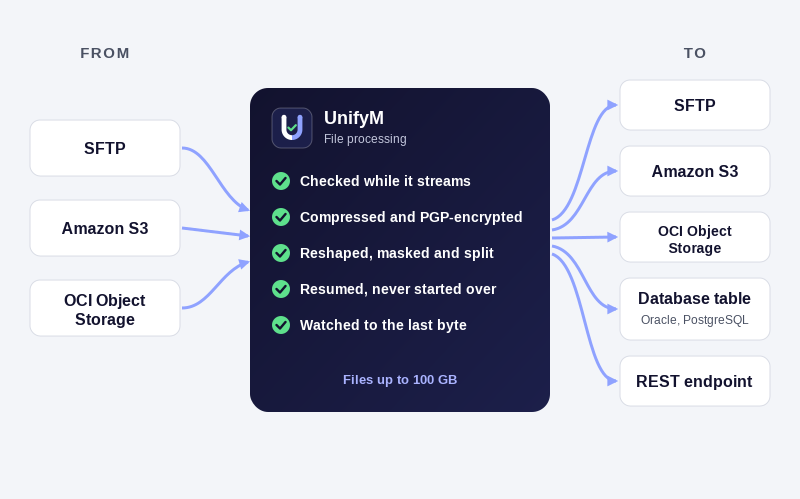
Files up to 100 GB moved between SFTP, S3 and Object Storage or loaded into Oracle and PostgreSQL tables, checked while they stream and resumed when interrupted.
Learn more about file processing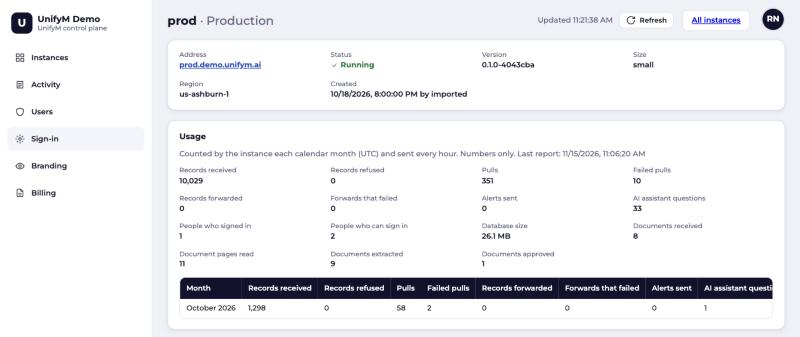
Dev, test and production, each its own UnifyM with its own database, managed from your own control plane.
Learn moreUnifyM AI
UnifyM uses AI where it saves your team hours: reading documents, sorting them, explaining errors and suggesting mappings. A person stays in charge, and the AI only ever sees masked data.
Invoices, purchase orders and bills of lading, as PDFs or scans, read and turned into fields and line items, each value with a confidence.
Upload a few sample documents and AI proposes the fields, types and personal data. Your administrator edits and approves.
One mailbox or folder for everything: AI sends each document to the right dashboard, and stops for a person when it is unsure.
Once your reviewers have approved enough documents as proposed, confident documents that pass every check can approve themselves. You switch it on.
"Explain this error" turns a cryptic rejection into what went wrong, and "failed 945s for Acme last week" becomes a search. Built-in rules out of the box, or a language model you connect.
When you connect a new source, UnifyM suggests how its fields map to yours, ready for you to check and save.
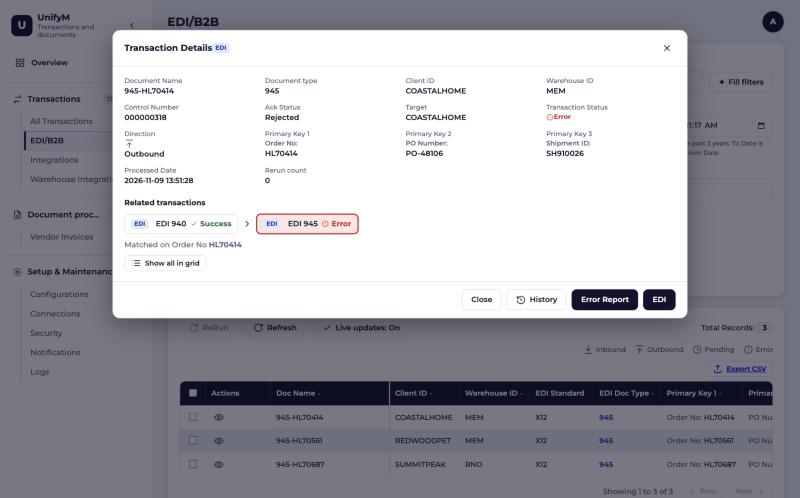
Process logs, partner mailboxes and spreadsheets each hold part of the story, and the partner often notices the failure first. UnifyM puts the whole story on one screen: what arrived, what failed, why, and what happened after, with the business identifiers your team already searches by.
See transaction monitoringBuilt for the people who keep EDI and integrations running.
EDI/B2B and integration dashboards, searched by date, status, document or your own identifiers.
The payload in an EDI, XML or JSON viewer and the error in plain text, with personal data masked.
Rerun one failed transaction or many, confirmed and recorded.
Rules route errors to email and Microsoft Teams, throttled so one broken feed cannot flood anyone.
Structure proposed from samples, values read and checked, every document approved by a person first.
A 940 leads to its 945; an invoice matches its purchase order.
Dev, test and production, with settings promoted after a preview.
Your own database and key per environment, Oracle IAM sign-in, corporate SSO and network allow-lists.
Your integration platform, or any tool, sends records to UnifyM's API, or UnifyM pulls them on a schedule. Documents arrive by API, upload, email or a watched folder.
Dashboards, the Overview and alerts show what needs attention, by role, with new records announced as they arrive.
Read the error, rerun the transaction, correct and approve the document, and see each step in the audit trail.
Each of your environments runs on its own: its own application, its own database and its own encryption key, on Oracle Cloud Infrastructure. Sign in with Oracle IAM, limit access to your own networks, and keep secrets out of sight. Language models only ever see masked text.
Security and hosting
Six short demos, from a failed 945 found and rerun to an emailed invoice read, checked and approved. Pick the ones that matter to you and we will show them live.
Browse the demosTalk to the team that builds UnifyM. Book a demo, send us your security questionnaire, or ask what a plan includes.